Premium typography isn't about expensive fonts. It's about a system: clear hierarchy, intentional contrast, comfortable reading sizes, and disciplined spacing choices that feel deliberate — not default.
"Most websites don't look cheap because of their fonts. They look cheap because of how the fonts are used."
The reliable foundation of any premium-feeling site is pairing a serif with a sans-serif. One carries personality in headlines; the other ensures legibility across UI and body text. Below are seven combinations that do this well — all free, all production-ready, each covering a different use-case so you can pick the one that fits your project.
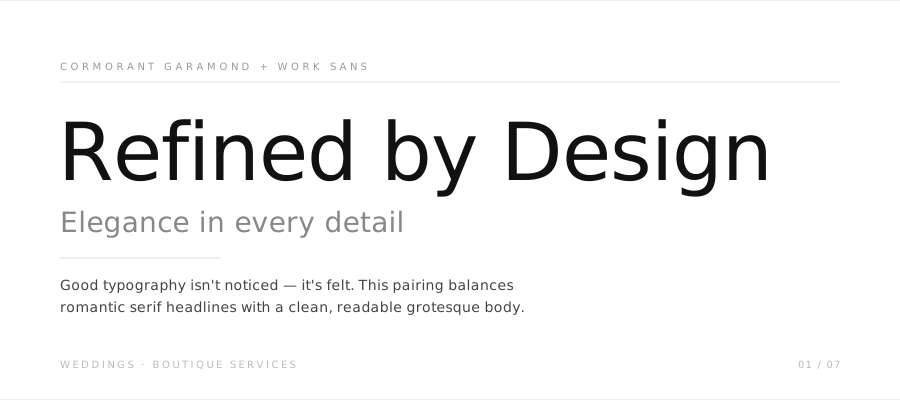
1. Cormorant Garamond + Work Sans
Weddings · Boutique services · Romantic serif + screen-optimised grotesque
Cormorant Garamond has the kind of refined, almost fragile elegance that suits ceremony and heritage. Work Sans grounds it — highly readable at any size and sturdy enough for long copy, navigation, and UI labels. Together they read as: beautiful, but not trying too hard.
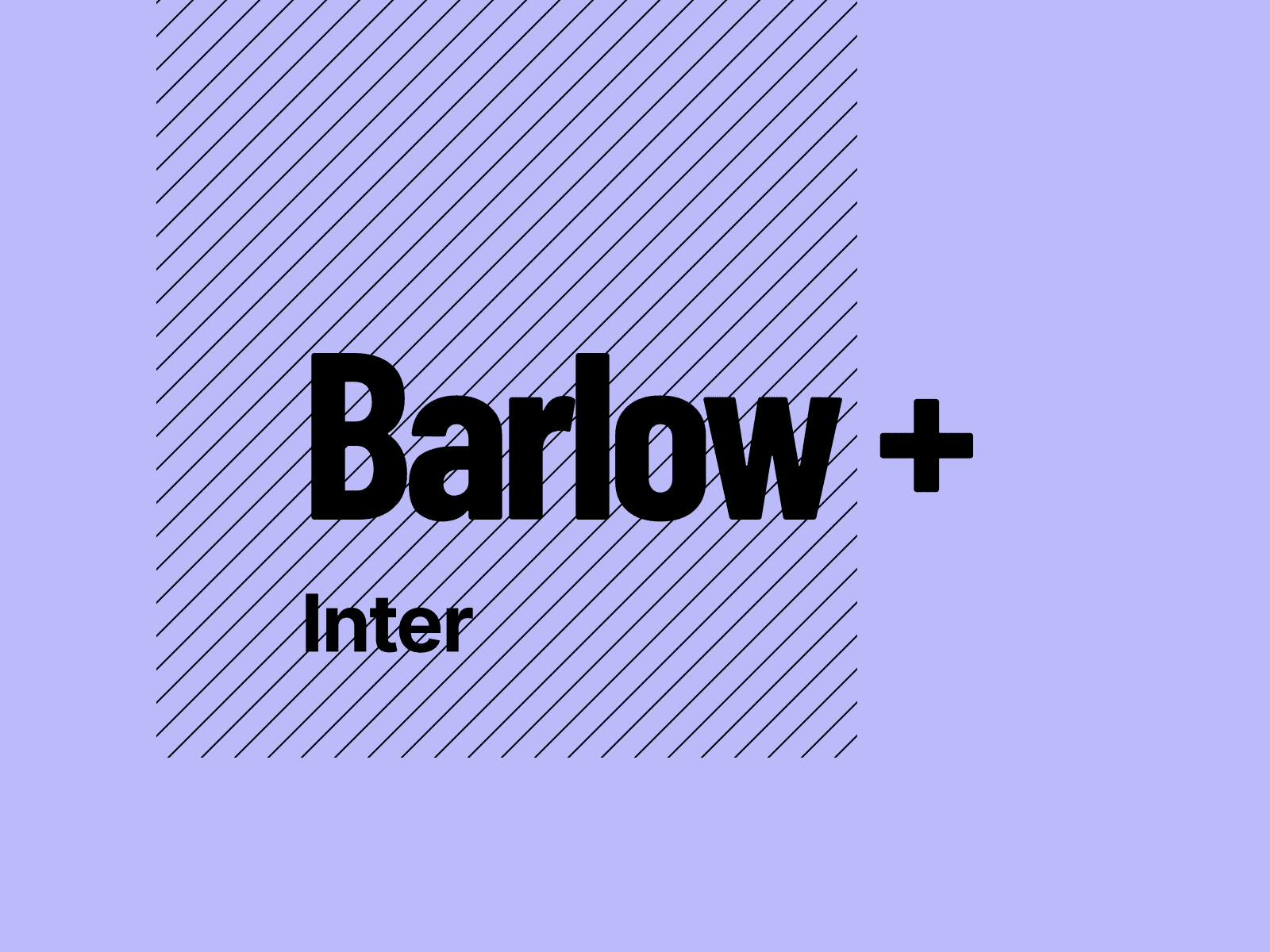
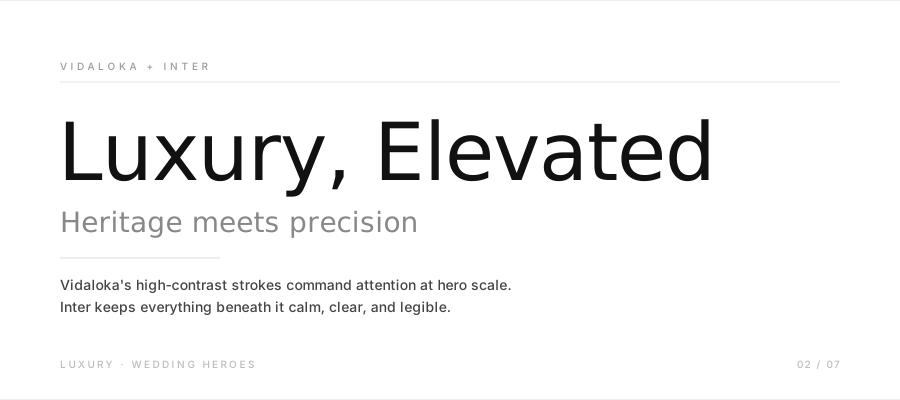
2. Vidaloka + Inter
Luxury · Wedding heroes · Didone display + UI sans
Vidaloka's high-contrast thick-and-thin strokes are unmistakably luxurious. The sharp serifs demand space — use it at hero scale (60px+) and pair it with Inter's calm, neutral legibility for everything below. A word of caution: avoid Vidaloka for body copy. It's a display-only tool, and using it at small sizes will hurt readability.
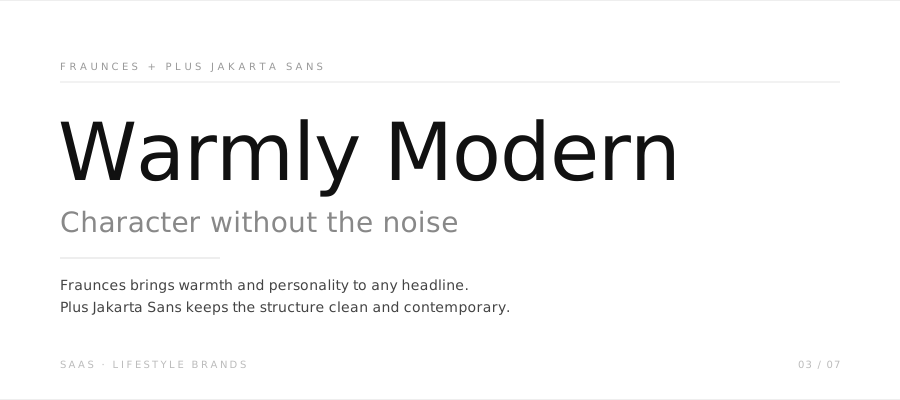
3. Fraunces + Plus Jakarta Sans
SaaS · Lifestyle brands · Soft-serif variable + geometric sans
Fraunces is a variable font with a warm, slightly quirky soul — it works at optical sizes from display to text. Plus Jakarta Sans brings clean geometric structure that's become a modern default for product interfaces. The combination reads contemporary without being cold.
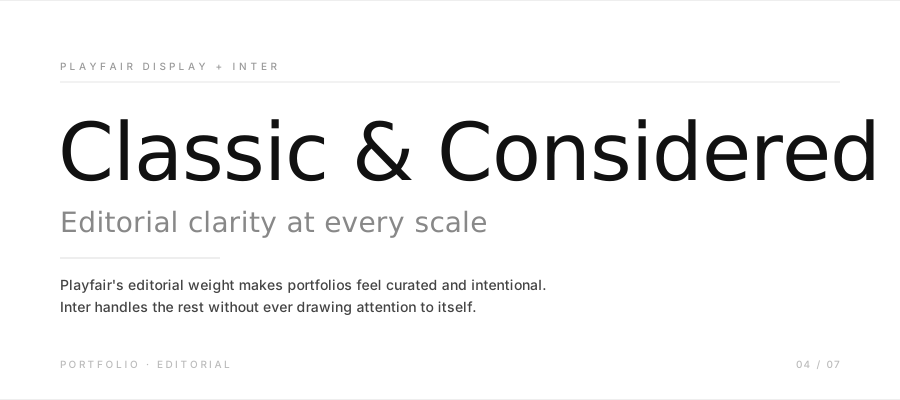
4. Playfair Display + Inter
Portfolio · Editorial · Classic editorial serif + UI sans
One of the most reliable pairings in web design — and for good reason. Playfair's editorial weight makes any portfolio feel considered and curated. Inter handles everything else without ever getting in the way. Note: Playfair has a newer variable successor on Google Fonts that includes optical sizing if you want more flexibility.
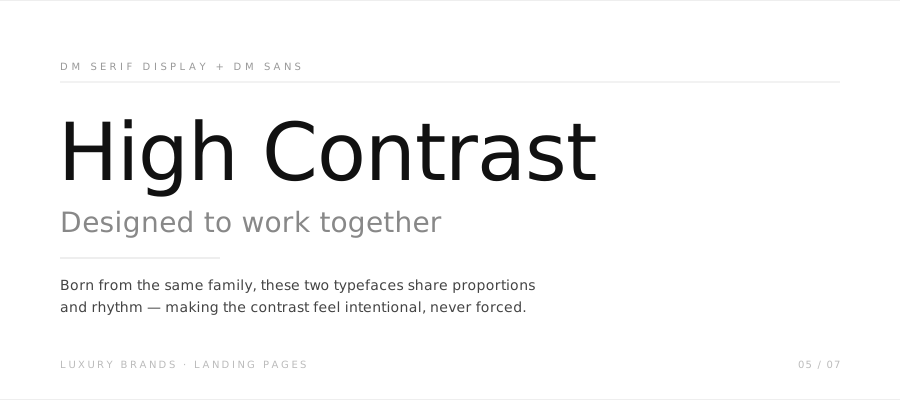
5. DM Serif Display + DM Sans
Luxury brands · Landing pages · High-contrast serif + geometric sans
The DM family was designed to work together, so the contrast between DM Serif's dramatic thin strokes and DM Sans's neutral geometry feels intentional rather than forced. DM Sans was updated to include optical sizing and an expanded weight range, making it one of the more versatile sans options for building full hierarchy without extra families.
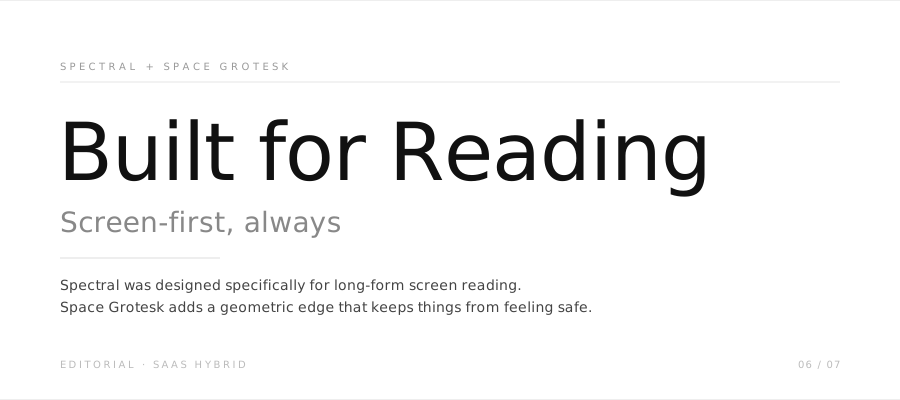
6. Spectral + Space Grotesk
Editorial · SaaS hybrid · Screen-first serif + quirky tech sans
Spectral was designed specifically for screen reading — its letterforms hold up beautifully at long-form text sizes. Space Grotesk adds a slight geometric quirkiness that keeps it from feeling conventional. Good pick for content-heavy SaaS sites that want to feel editorial rather than purely functional.
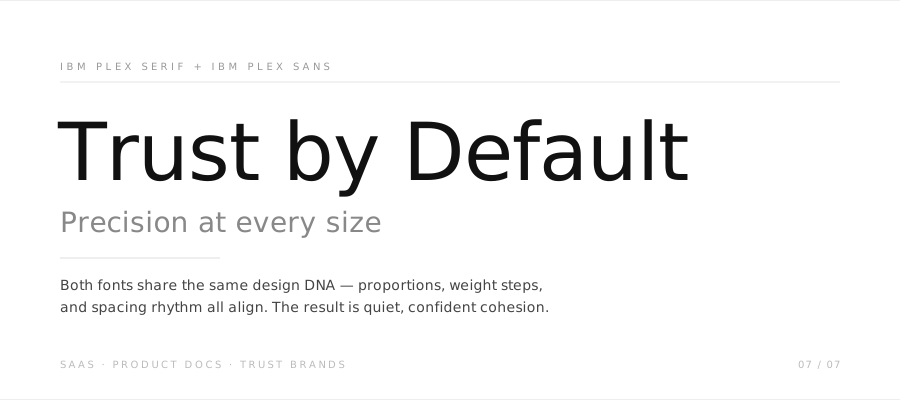
7. IBM Plex Serif + IBM Plex Sans
SaaS · Product docs · Trust brands · Coherent superfamily
Unlike the other pairings here, IBM Plex Serif and IBM Plex Sans were drawn as part of the same family. The result is a cohesion that's hard to replicate by mixing foundries — proportions, spacing rhythm, and weight increments all align. Best for products where trust, precision, and clarity matter more than personality.
What actually makes typography feel premium
The font choice matters less than most people assume. Here are the decisions that separate polished from generic:
Hierarchy is clear at a glance. A visitor should immediately understand what's a headline, what's body copy, and what's a label — without reading a word. Use size, weight, and spacing to create that distinction. If two elements look too similar, increase the contrast between them.
Body type is sized for reading. Most websites run body copy too small. 16px is a reasonable floor; 17–18px is often better for long-form content, especially on desktop where reading distance is greater.
Spacing is intentional. Line-height for body copy typically works well between 1.6 and 1.8. Letter-spacing for uppercase labels at small sizes (0.08–0.16em) adds the kind of refinement that reads as editorial without being obvious about it.
You use fewer weights. Two or three font weights per family is almost always enough. Adding more creates visual noise without adding hierarchy clarity.
I'm Ava. I make Framer templates and write about design and development here. You can also find me on X.
I use AI as a writing tool — to improve my English, research topics, and develop ideas. Everything you read reflects my own perspective and experience as a designer.