Every Framer site starts on a framer.app subdomain. Here's how to swap it for your own domain in five minutes, plus the DNS records you'll need.
What you need before you start
Three things:
A Framer site on a paid plan (custom domains require one)
A domain you've already bought from a registrar like Namecheap, GoDaddy or Cloudflare
Access to your domain provider's DNS settings
You don't need to install anything or transfer your domain.
The five-minute setup
Open your site settings in Framer. In the editor, click the three-dot menu in the top right, then "Open Settings."
Go to the Domains tab. You'll see your current
framer.websiteURL and the options for adding a new domain.Choose "Connect a domain you own." Enter your domain (e.g.
yoursite.com) and confirm.Copy the DNS records Framer gives you. You'll need two A records pointing to
31.43.160.6and31.43.161.6, plus one CNAME record forwwwpointing tosites.framer.app.Add those records in your domain provider's DNS settings. This is the only step that happens outside Framer. Log into your registrar, find the DNS section, and add the records exactly as Framer shows them.
Wait, then verify. DNS can take up to 48 hours but usually updates within an hour or two. Once it's live, your site loads on the new domain.
Important DNS note
Before adding the new records, delete any existing A or AAAA records on the root domain. If old records are still pointing somewhere else, your site won't load correctly.
If you only want to host a subdomain (like blog.yoursite.com instead of the root), Framer will give you a single CNAME instead of two A records. The process is otherwise the same.
The free domain option
Framer also offers a free custom domain for the first year if you upgrade to a yearly plan. The flow is built into the Domains tab. You pick a domain, Framer handles the connection through their Hover partnership, and you're done.
If you don't already own a domain, this is the easiest path.
If something's not working
A few quick checks:
DNS changes can take up to 48 hours. Give it time before assuming something's wrong.
Make sure there are no leftover A or AAAA records on the root domain.
Once your domain is live
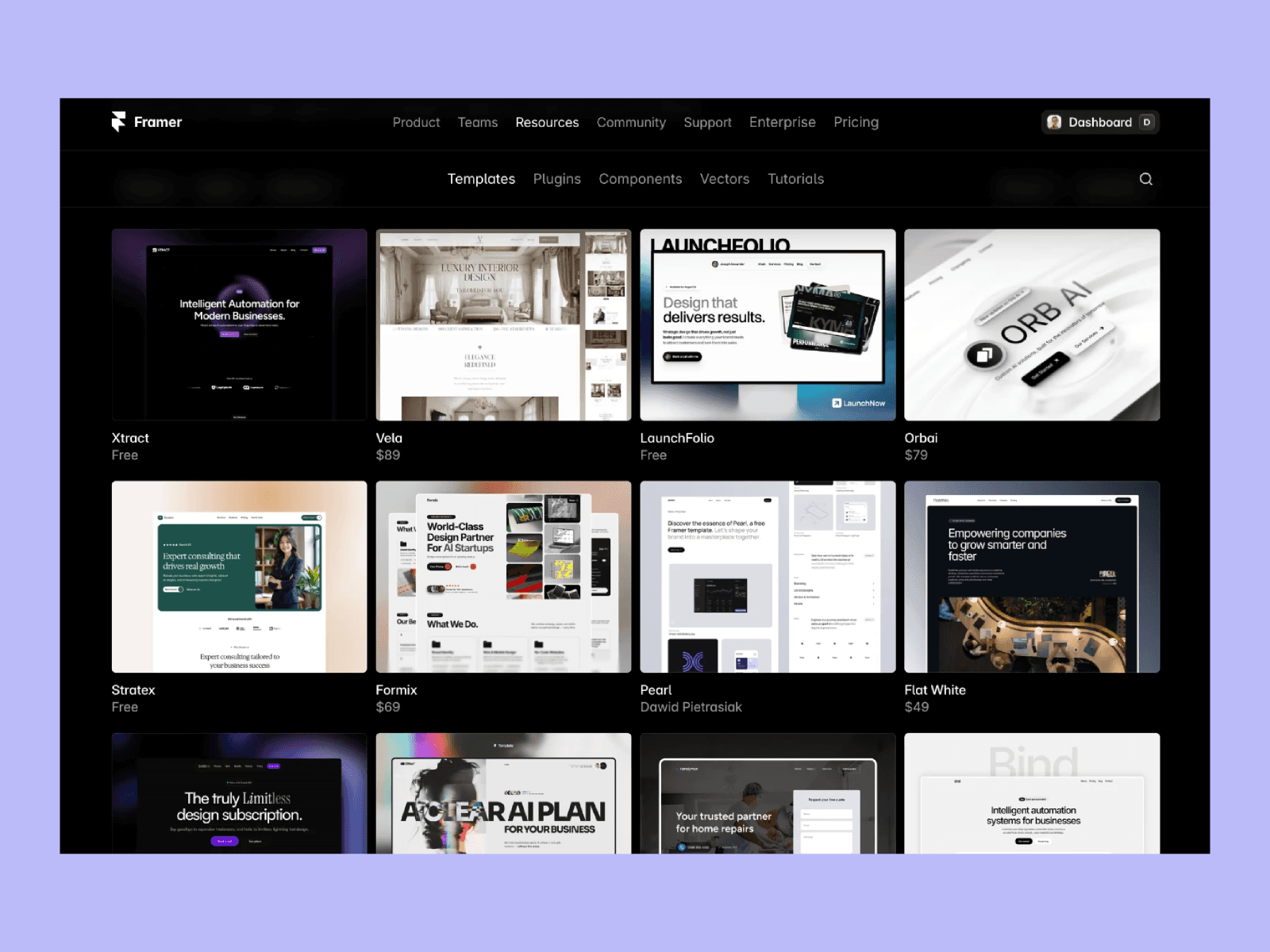
You need something good to put on it. If you're starting fresh, Orchid is my free template for designers and studios, and the rest of my work is on the Framer marketplace.
I'm Ava. I make Framer templates and write about design and development here. You can also find me on X.
I use AI as a writing tool — to improve my English, research topics, and develop ideas. Everything you read reflects my own perspective and experience as a designer.